ALL CATEGORIES
1. S17 pro、S17、T17
2. S15、T15
Suitable for miners that cannot be disinfected by batch tools for series 15 and 17 miners.
1. Program the SD card of the new firmware
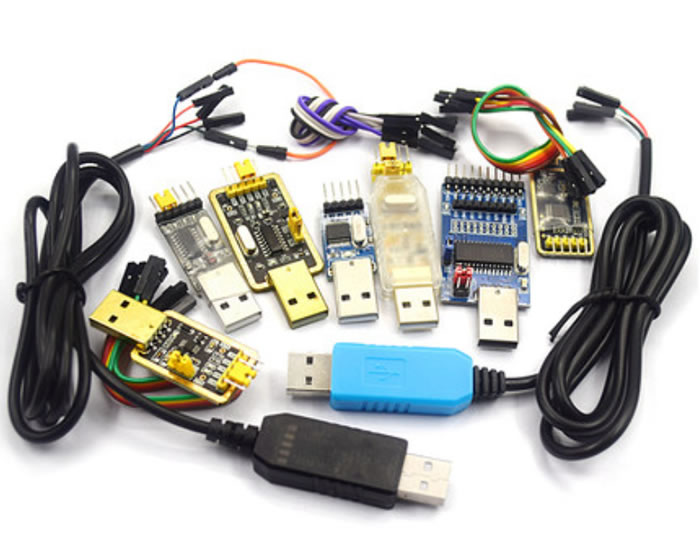
2. Serial port cable (connect tx with tx; connect rx with rx; connect gnd with gnd)
3. Decompress the "SD card recovery image.rar", format the SD card FAT32 and copy it in (the same steps as preparing SD card recovery file).
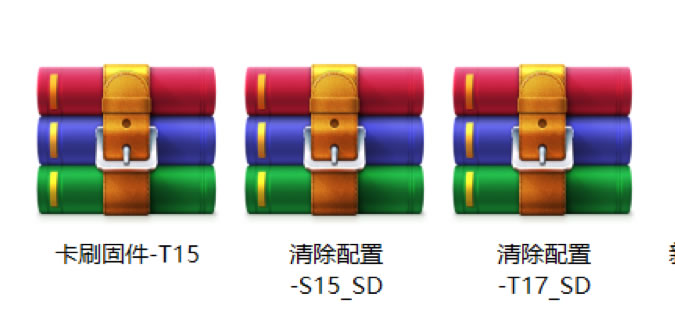
4. Download SD card recovery file (use T17 for S17, S17PRO, and T17).
1. Connect serial port cable and insert SD card; open the serial port interactive software on the computer.

2. Power on and start.
3. Observe serial port log. In event of countdown of "Hit any key to stop autoboot: *", press Enter to start the process.

4. Input command:
*Press Enter
5. Enter SD card recovery process, wait for completion, and at this time, the control panel indicator flashes alternately.

6. After completion, unplug the SD card and power on again.
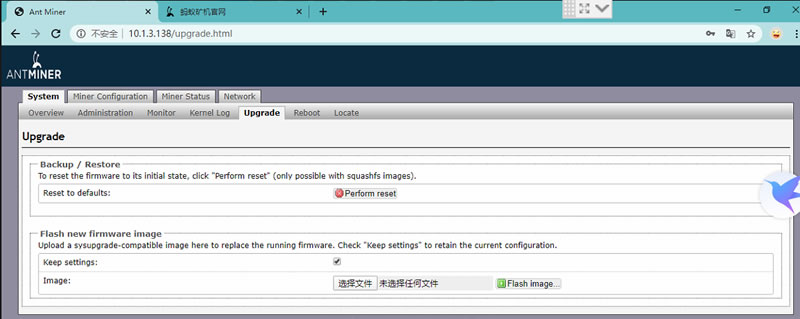
7. Upgrade to the latest firmware on the official website after power-on, and do not retain the firmware version of configuration upgrade.
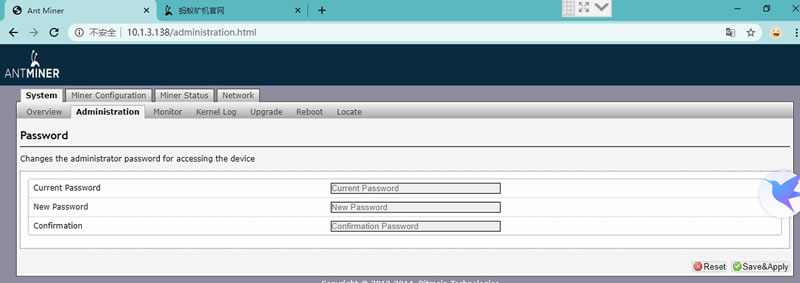
8. Modify the default login password.