Issue Description:
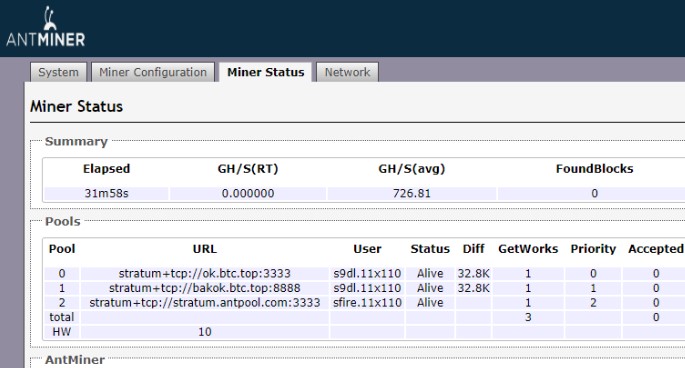
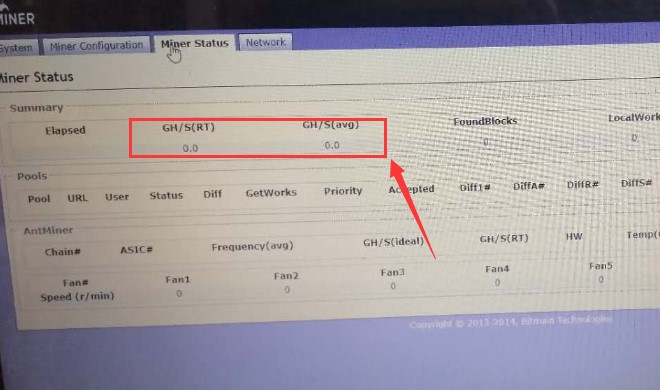
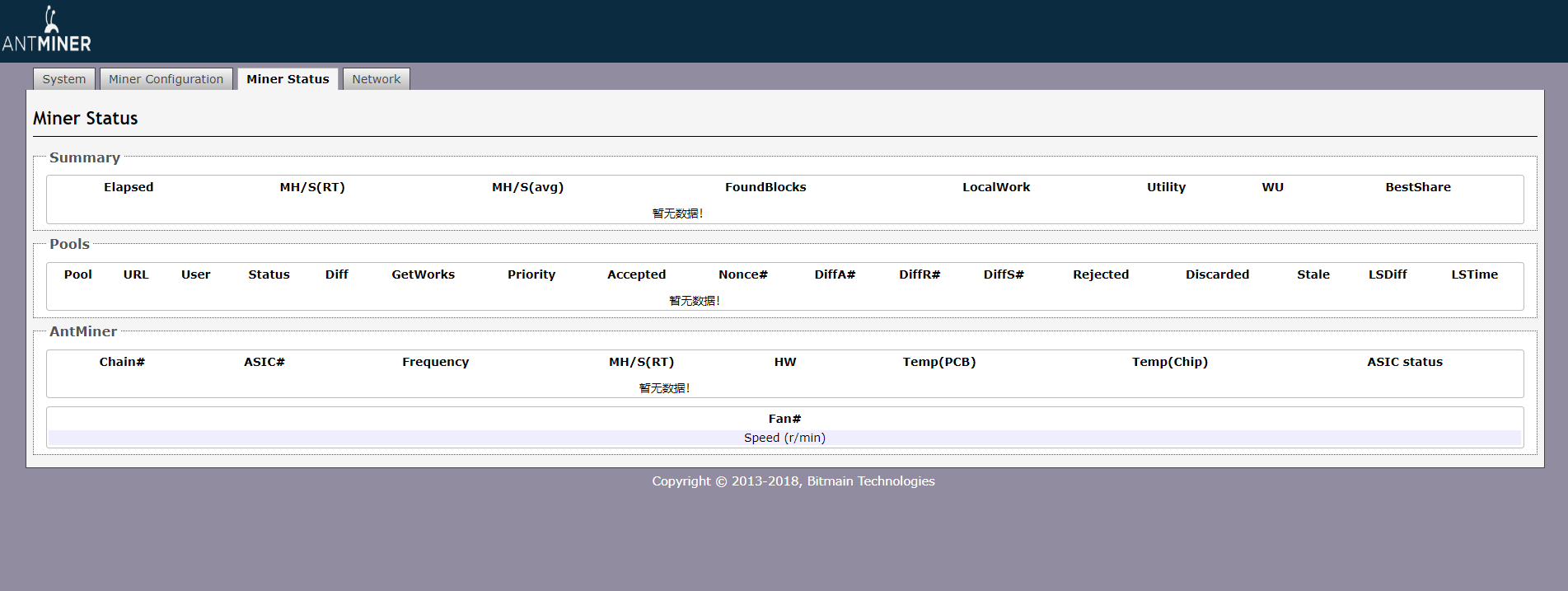
Possible Causes and Troubleshooting Steps
1. ASIC chips or hashboards are not working as expected
a. Check if data cables are plugged tightly
b. Upgrade the latest firmware
2. Network or mining pool issue
a. Check whether the worker name and pool address is correct.
b. Ensure the network is operating without problems.
3. Fan issue
Check the kernel log and if you see "Fatal Error: some Fan lost or Fan speed low!":
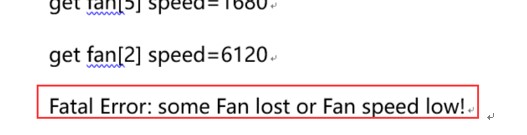
Check the fan cables carefully or replace with a working fan to test.
4. Abnormal temperature
The miner's hashrate would show ZERO if the temperature exceeds the limit.
5. PSU issue
The ASIC status usually shows all X and the temperature display abnormally (E.g. all 15)
Replace with a good known PSU to test.



